AI & AUTOMATION

AI & Automation Built Around Real Business Work

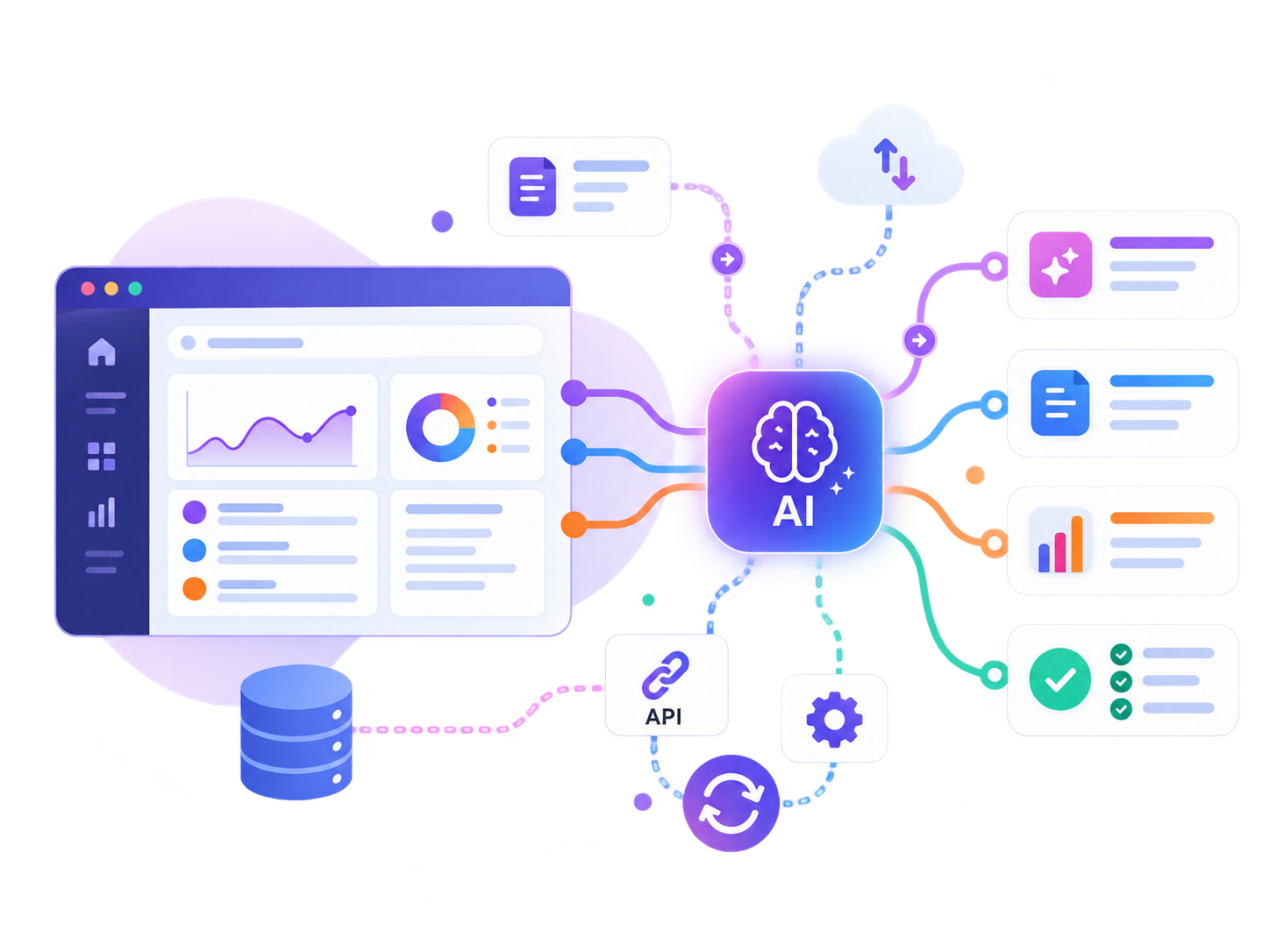
AI assistants, workflow automation, connected AI tools and document processes — designed around useful tasks, clear rules and human oversight where it matters.

Written-first  •  Human oversight where needed  •  Built around your workflow

AI & AUTOMATION SERVICES

Choose the kind of work you want to automate or improve

Start from the closest fit. We then define the workflow, data, tools, guardrails and human checkpoints before building.

AI Assistants & Chatbots

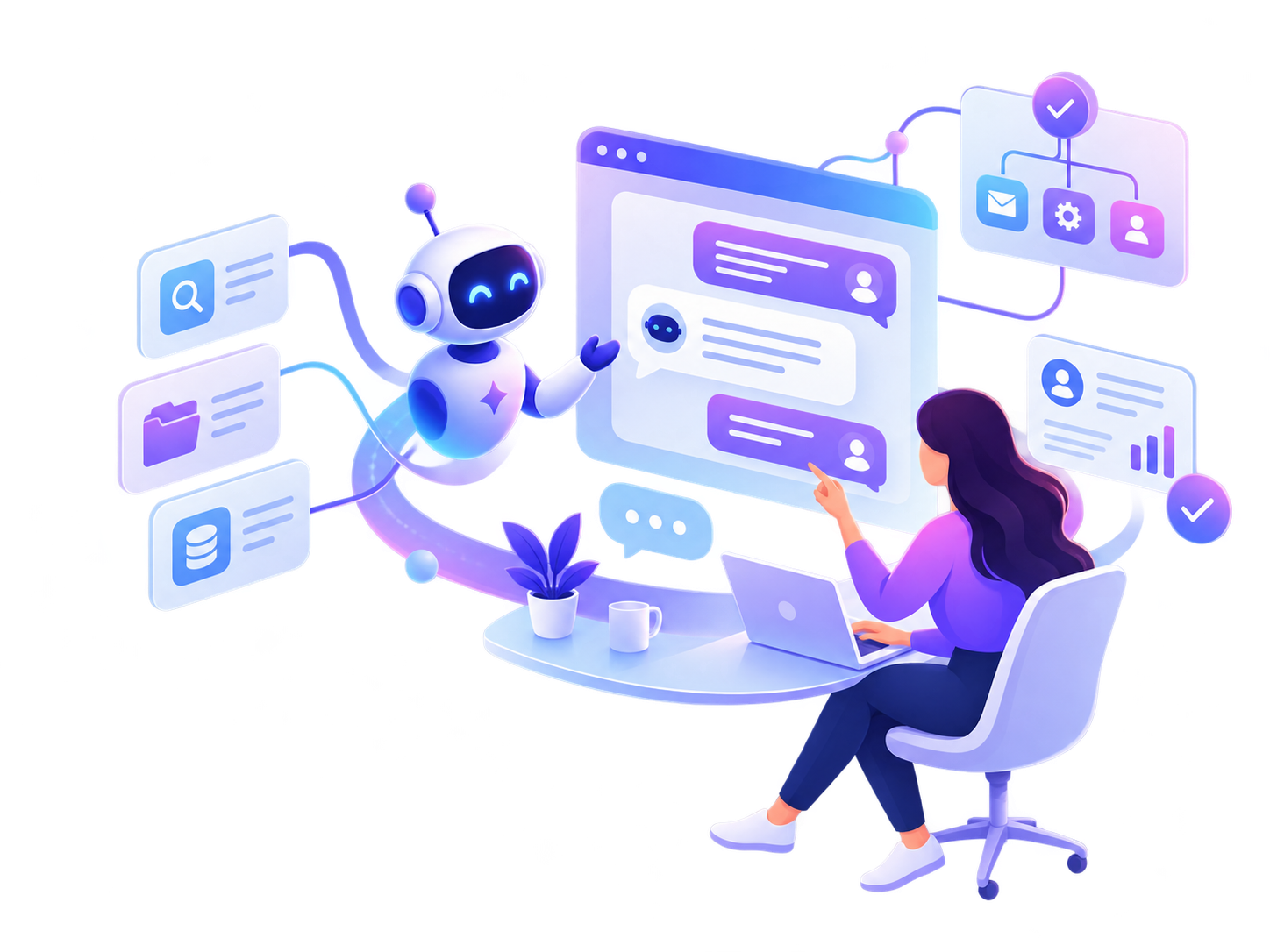
AI-powered assistants for support, internal knowledge, guided tasks and business-specific conversations.

Workflow Automation

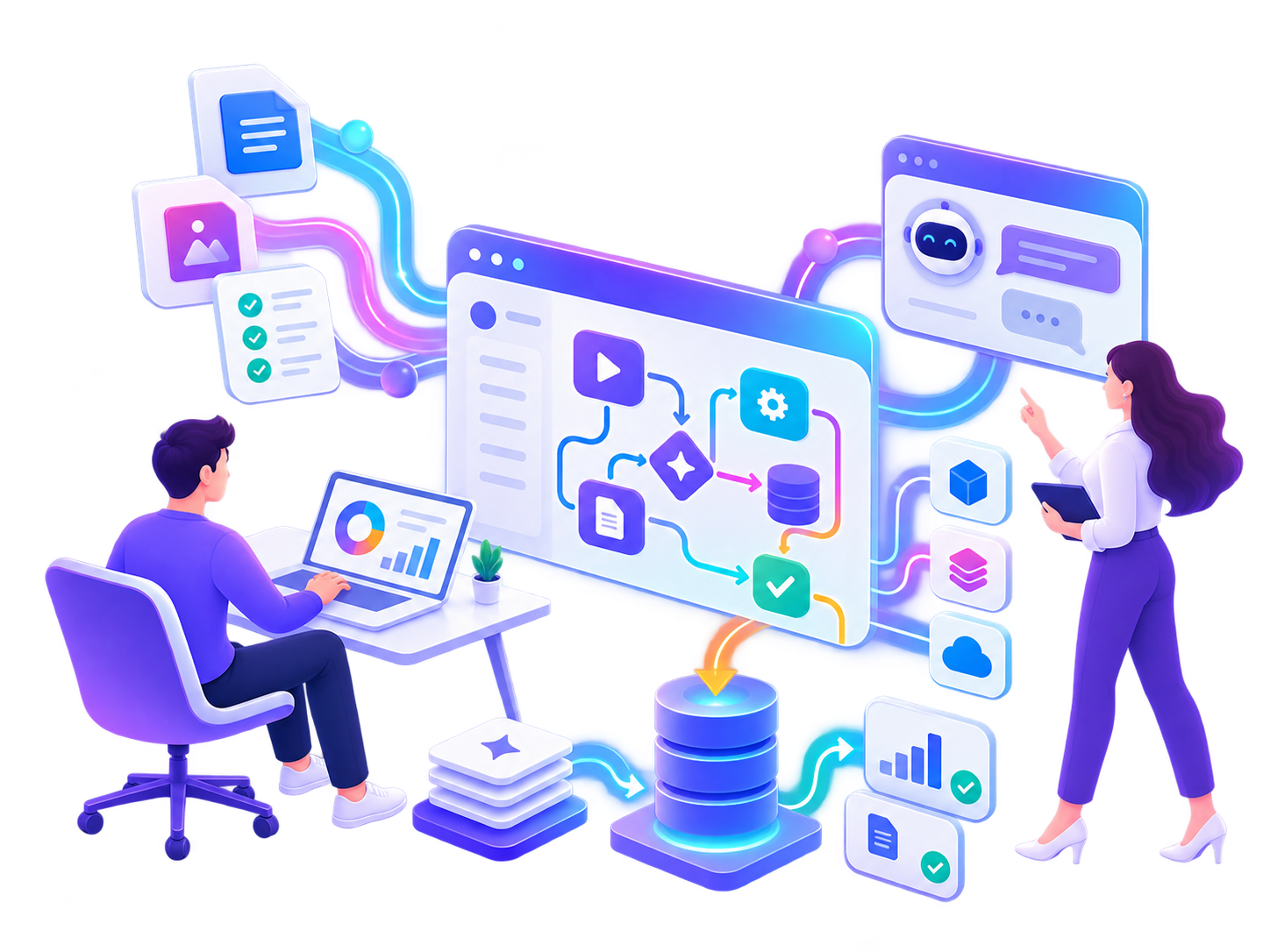
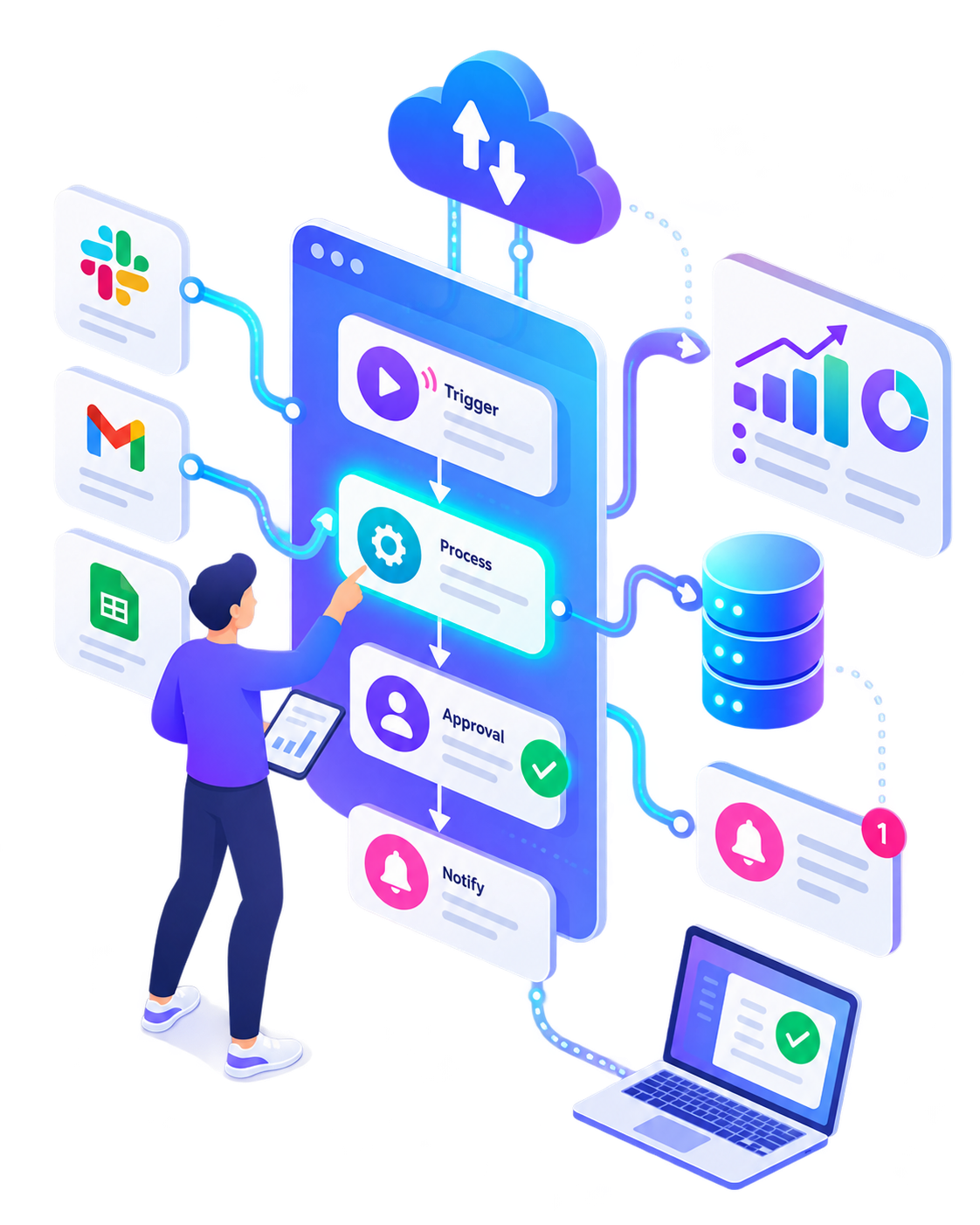
Connect repeated steps, approvals, notifications and handoffs so routine work moves with less manual effort.

AI Integrations

Add useful AI capabilities to existing websites, software, forms, CRMs and operational tools.

Data & Document Automation

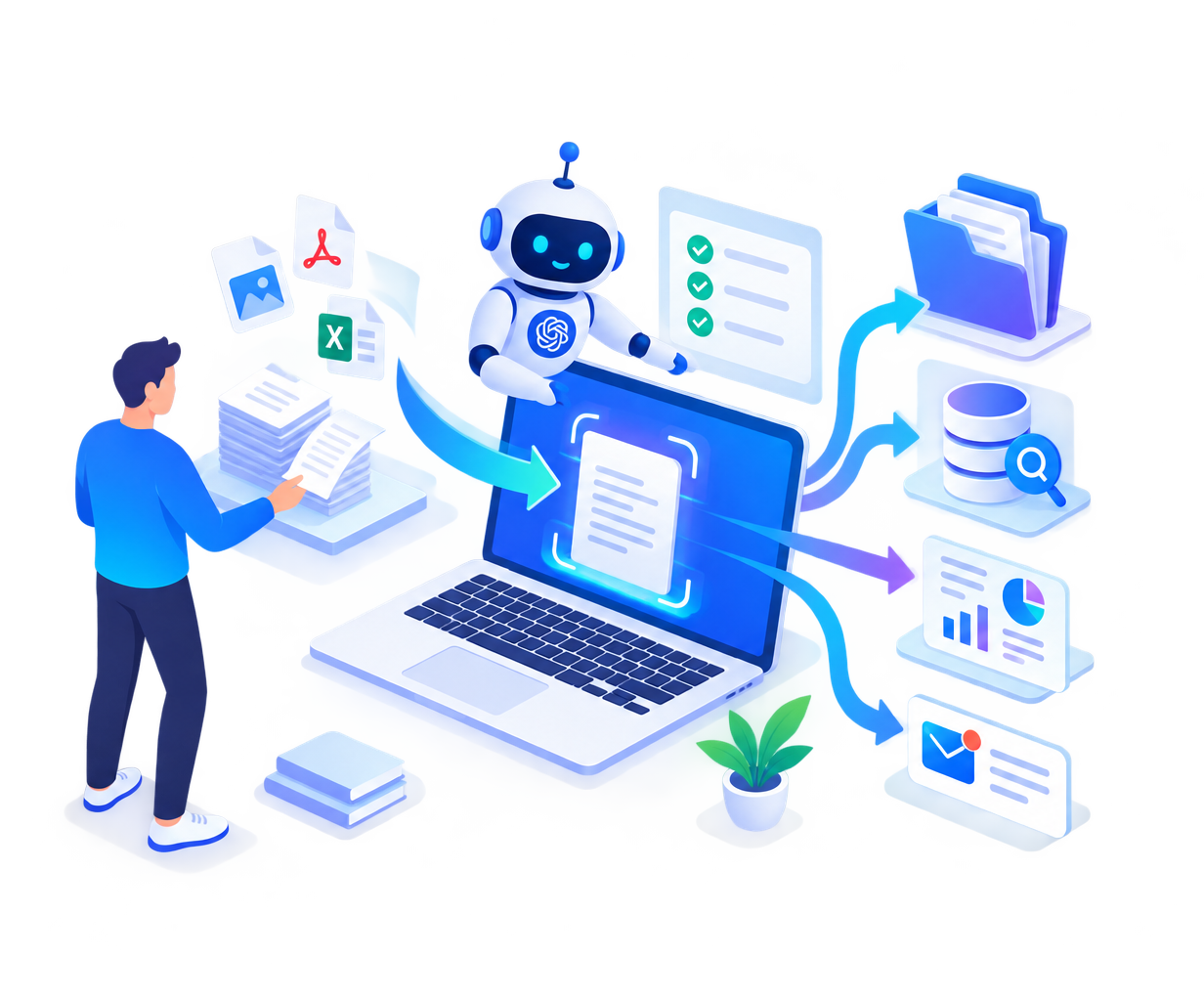
Extract, classify, summarise, transform and route information from documents and structured business data.
AI ASSISTANTS & CHATBOTS

For customer support, lead qualification, internal knowledge, guided workflows and other repeatable conversations where AI can save time.

The assistant should know what it is allowed to do, what information it can use and when a human needs to take over.

AI that helps with a defined job, not a chatbot added for decoration

Useful assistants need boundaries.
We define source data, instructions, tools, permissions, fallback behaviour and escalation paths around the real business task.

WORKFLOW AUTOMATION

Move repetitive work without adding another manual handoff

Automation is useful when the same trigger repeatedly leads to the same checks, updates, notifications, approvals or data movement.

We map the current workflow first, then decide which steps should be automated, which should stay manual and what should happen when something fails.

AI INTEGRATIONS

AI does not always need a separate product. Sometimes the better option is adding a focused capability to software your team already uses.

That can include generation, classification, extraction, search, summarisation or assisted decision support inside an existing workflow.

Add AI where it removes friction, not everywhere it can fit

Integration should improve the existing job.
We consider inputs, outputs, reliability, permissions, cost and fallback behaviour before connecting an AI service to production work.

DATA & DOCUMENT AUTOMATION

Turn repeated document handling into a structured process

Documents, forms, reports and files often carry information that people repeatedly copy, classify, compare, summarise or route by hand.

We can structure that work into a defined pipeline with validation and human review where accuracy matters.

When AI & automation is worth considering

AI is not automatically the answer. It is useful when there is a repeatable task, enough usable information, a clear outcome and a sensible way to handle mistakes or uncertainty.

The same work happens again and again

Your team repeatedly reads, sorts, rewrites, copies, checks or routes similar information and the process consumes meaningful time.

Knowledge is hard to use consistently

Important information exists across documents, websites, databases or internal material, but finding and applying it reliably is slow.

A workflow has clear rules but too many handoffs

Triggers, approvals, updates and notifications follow a recognisable pattern that can be automated without removing necessary human judgement.

HOW AI & AUTOMATION PROJECTS WORK

Start with the task, then decide where AI belongs.

We use a written-first process so workflows, inputs, rules, risks and expected outputs stay clear before automation reaches real business work.

01

Map the Current Work

Document the trigger, inputs, people, systems, decisions and current pain points.

02

Choose the Automation Boundary

Decide what AI or automation should handle, what stays deterministic and where humans remain in control.

03

Define Data & Guardrails

Confirm data sources, permissions, quality checks, fallback behaviour and security requirements.

04

Build & Connect

Implement the assistant, workflow or integration and connect the required systems.

05

Test Real Scenarios

Test normal cases, edge cases, poor inputs, failures and human handoff before relying on the workflow.

06

Launch & Improve

Deploy carefully, watch real outcomes and refine prompts, rules or automation steps when evidence supports it.
HOW WE KEEP IT PRACTICAL

Automation should make work clearer, not harder to trust.

The goal is dependable business improvement, not adding AI for its own sake. We keep the task, limits, ownership and fallback path visible.

01

Task Before Model

We start from the business job and only choose AI tools after the required behaviour is clear.

02

Human Review Where It Matters

High-impact or uncertain outputs can be routed for approval instead of being trusted automatically.

03

Use Existing Systems When Possible

Automation should connect useful tools and data rather than forcing unnecessary replacement of working systems.

04

Failures Need a Defined Path

Timeouts, bad inputs, missing data and low-confidence results need explicit fallback behaviour.

AI & Automation Questions

Practical answers before you request a custom AI or automation quote.
No. AI can be used inside workflows, forms, internal tools, document processing, search, classification, extraction and other tasks without exposing a chatbot interface.
Often yes. The exact approach depends on the APIs, permissions, data access and reliability requirements of the tools you already use.
The design can combine constrained prompts, trusted source data, structured outputs, deterministic rules, validation, confidence checks and human review depending on the risk of the task.
Yes. Many useful workflows are better handled with normal rules, integrations, webhooks and scheduled actions. AI should only be added when the task genuinely benefits from interpretation or generation.
Yes. Projects can include extraction, categorisation, summarisation, transformation, routing and structured review of documents and files, subject to the data and accuracy requirements.
No. SiteLumo uses a written-first process. Workflows, examples, screenshots, requirements, test cases and approvals can be handled asynchronously.
These projects are custom quoted because complexity depends on the workflow, integrations, data sources, reliability requirements and deployment environment.

Have a workflow you want to automate or improve?

Tell us what people do today, where the repetitive work happens and what outcome you want. We’ll review whether AI, normal automation or a combination makes sense.

Scroll to Top